One orange, five apps
Utility Materials has a theme for every app I work in: VS Code and Cursor, Blender, Obsidian, Codex and an Omarchy desktop. They live at themes.materials.nyc, and the Blender one has been downloaded about 1,900 times.
Most days I move between an editor, Blender, a notes app and a terminal. For a while each of them got its own version of the Utility Materials look, rebuilt from memory every time. So I turned them into a set, and the set has a home at themes.materials.nyc.
The rule
The structure is charcoal and warm grey. Text is cream. Orange, the brand's Pantone 165 signal color, shows up only where something has a state: a selection, a focused field, an active tab, an alarm. A surface that's just sitting there stays grey. Type is Monaspace Krypton wherever the app lets me set it.
That one rule carries most of the design. When orange means "this is live," you can scan a dense screen and find the thing that matters. Blender is the exception, where selections are yellow.
The set
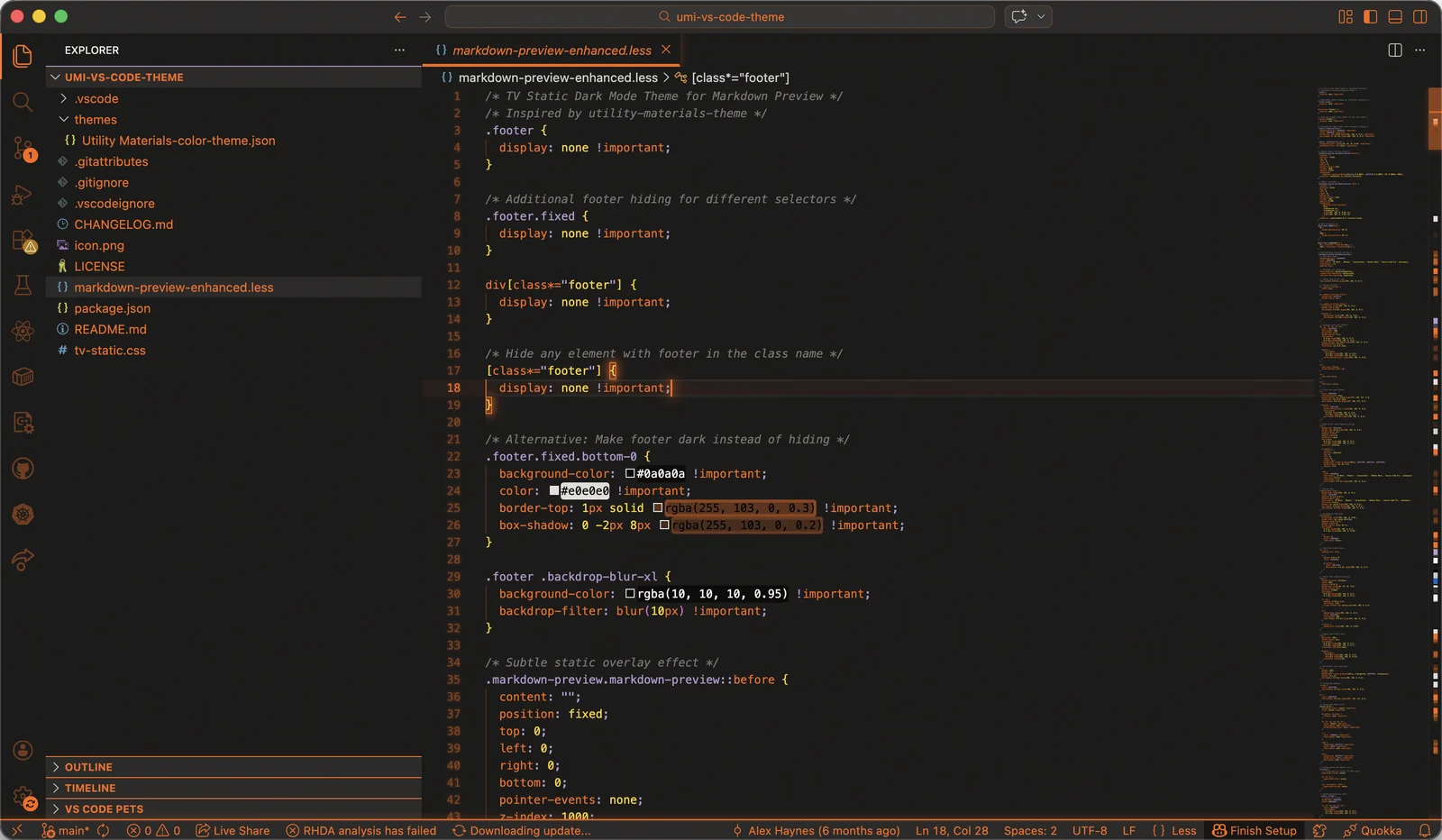
VS Code and Cursor
The first one, from August 2025. One package covers both editors, so the same install works in each. It also has an optional TV static overlay through the Custom UI Style extension, for anyone who wants their editor to look like an industrial monitor. The default install leaves it off.
Blender
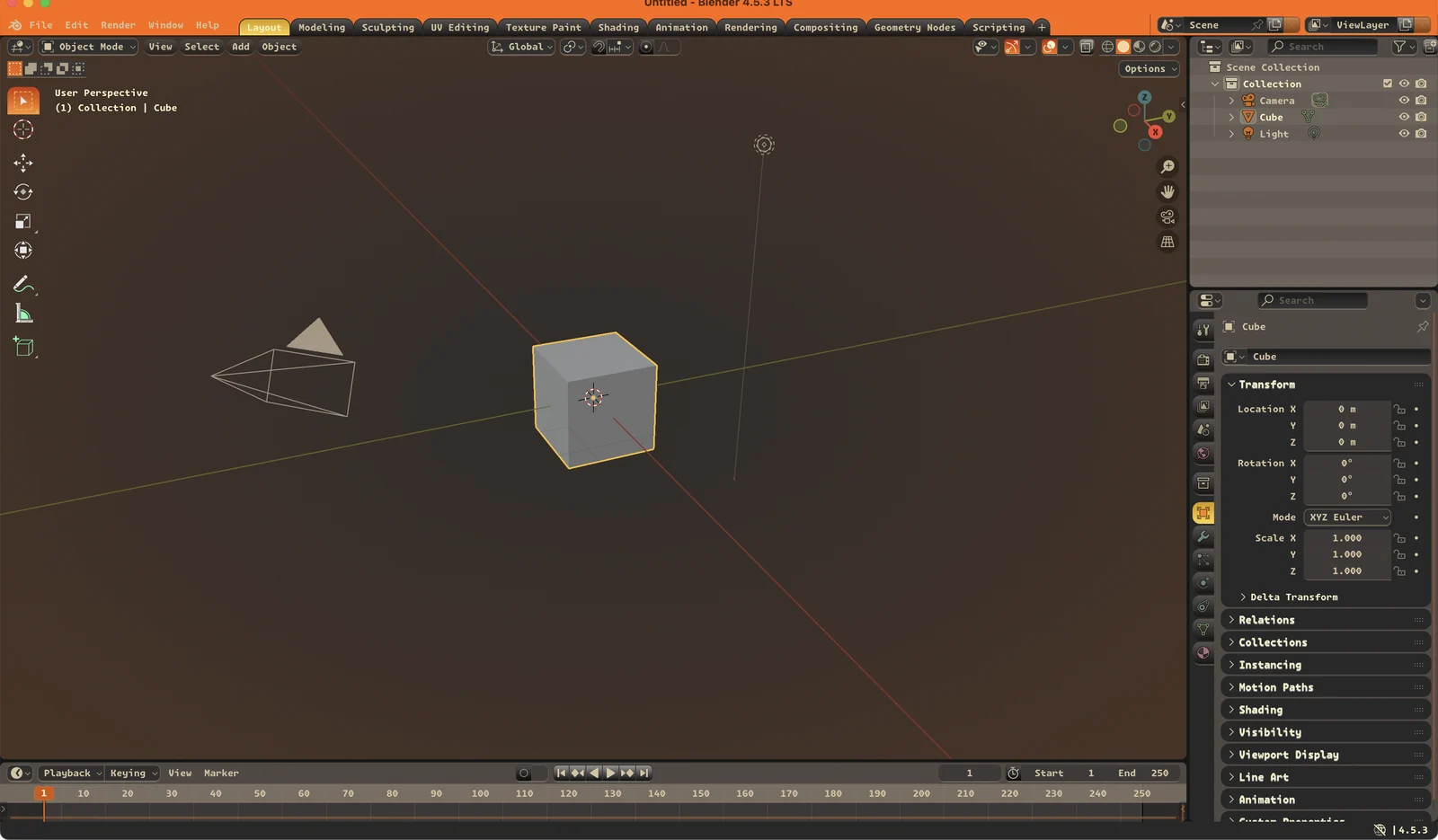
September 2025, published to the Blender Extensions gallery on September 16. Dark panels, an orange gradient behind the viewport, pill-shaped widgets and cream text tuned for long modeling and material sessions. Version 1.1.5 added Blender 5 support in January.
The whole theme is a 5.2 KB file, and it has been downloaded about 1,900 times. That's a lot of people who wanted their 3D software to look like workwear.
Obsidian
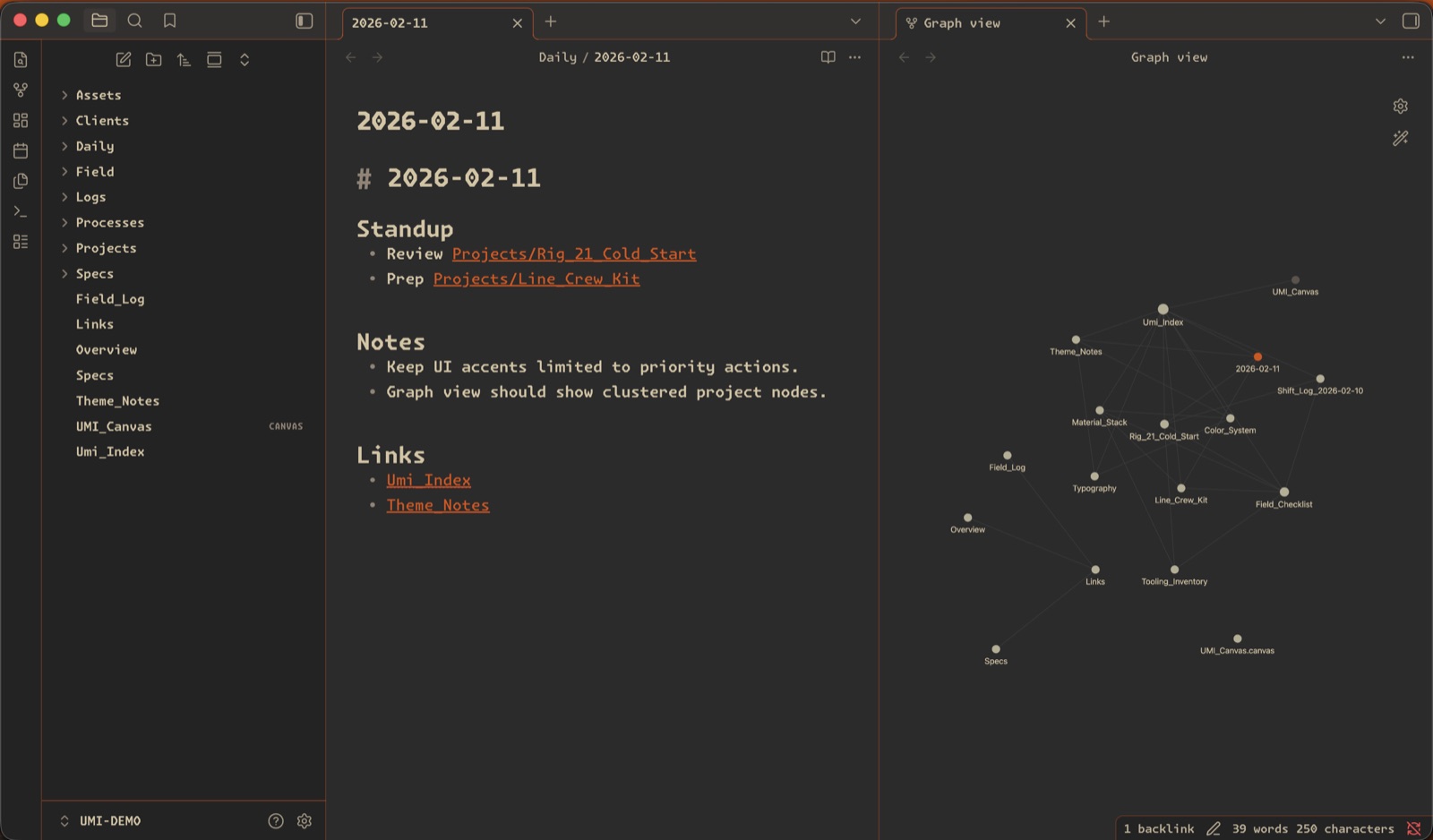
February 2026, in dark and light, built for dense notes and long technical writing. Its README has the line that applies to the whole set: the orange is a status light.
Codex
March 2026, two variants. Dark is a charcoal field with sand text. Light flips it to an orange field with pale ink and the same structure underneath. Both set Monaspace Krypton Frozen for the interface and the code.
Omarchy
April 2026, a full desktop theme for Omarchy. Orange is the only persistent accent across Waybar, window borders, notifications and the launcher. The terminal keeps Gruvbox-derived colors in its 16 color slots for syntax highlighting and nowhere else. In btop, the meters that need attention (CPU, temperature, used memory, upload) ramp through safety orange to red. This one isn't on the site yet.
The site
themes.materials.nyc went up in March. Every theme gets a preview, install steps for its app and a link to its source. VS Code and Cursor have one-click deep links. Blender points at the Extensions listing, where installing is a drag and drop into the app.
Get them
- Everything: themes.materials.nyc
- Blender: Blender Extensions
- VS Code: Visual Studio Marketplace
- Obsidian: utility-materials/umi-obsidian-theme
- Codex: utility-materials/umi-codex-theme
- Omarchy: utility-materials/omarchy-umi-theme